Text comparison
Two panes, both editable. The line diff runs after you open the files and again a short moment after you type. You can copy one changed region to the other side; that is an ordinary edit in the destination, so undo works, and nothing is saved until you save.
Local only. Source files stay on this Mac. DiffMan does not send text to another site to diff it. Saving writes the file you chose, on disk. Why that matters
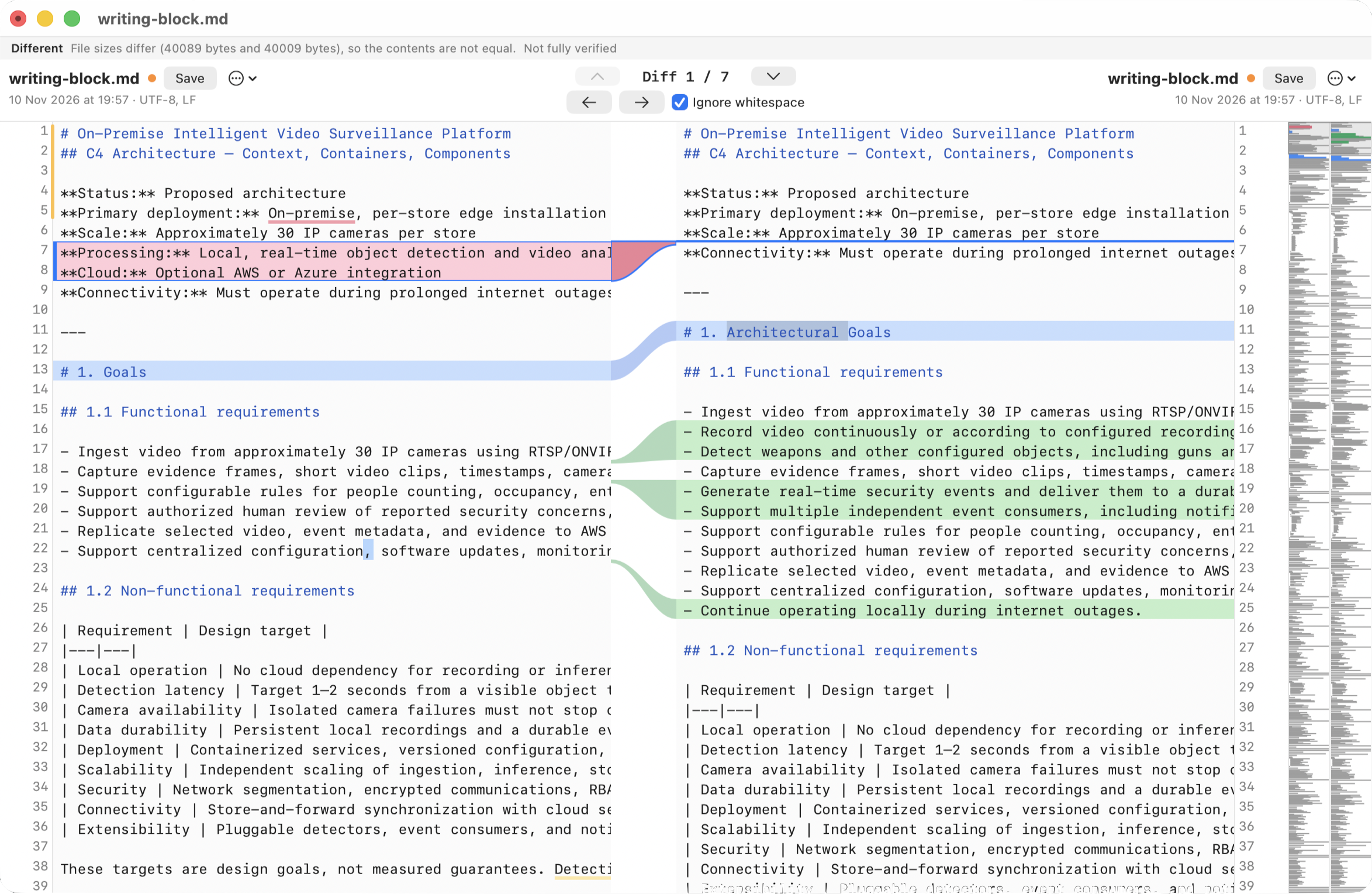
What is marked
- Removed lines — red, on the left.
- Added lines — green, on the right.
- Replaced lines — blue, with a connector between the panes.
- Changed words inside a replaced line — marked so a single renamed identifier does not paint the whole line as a mystery.
The algorithm is Myers, after trimming a common start and end. Whitespace-only differences are ignored by default; the checkbox is in the window. You can change the default for newly opened files in Viewers settings.
Layout
Line numbers sit on the outer edges. A connector in the middle links each changed region. A minimap on the right shows where the edits are. Panes scroll together. You can drag the split and the connector width. Previous and Next Difference, Find, and Go to Line are in the menus.
Syntax colours cover a built-in set of languages and can be turned off. They are display only. They never touch the text or the undo history. Font size and line numbers apply to windows that are already open; the other viewer choices apply to files you open afterwards.
Saving
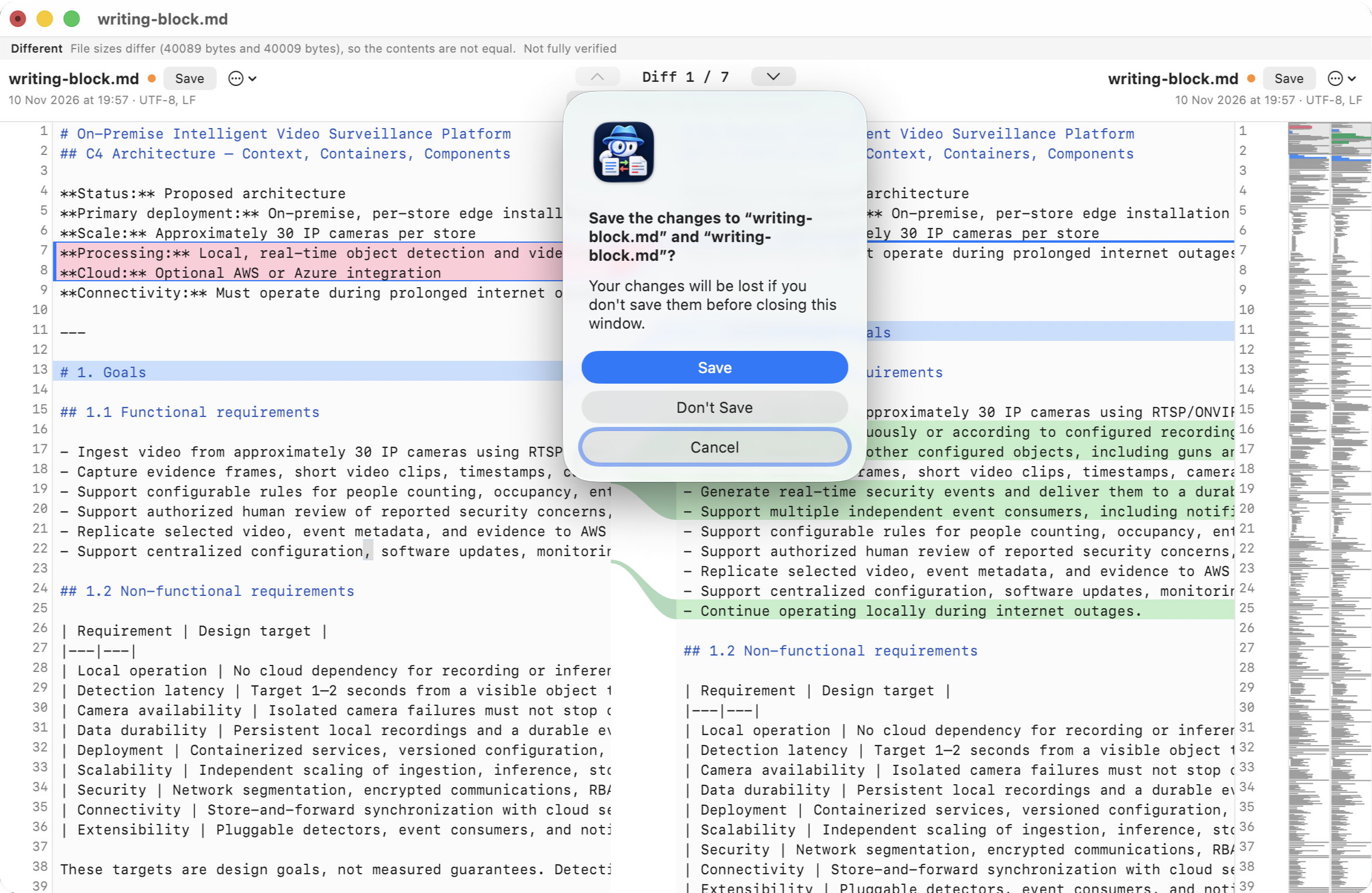
Nothing is written unless you save. Save writes the pane that has the cursor. Save As and Save All are in the File menu. A pane with unsaved edits shows a dot. Closing, comparing again, choosing another item, and quitting all ask first.
- Encoding and line endings. Files are read as UTF-8, UTF-16 with a BOM, or ISO Latin-1 if the bytes are not valid UTF-8. The window says which. The pane shows LF. Saving writes the original endings, BOM and encoding. Mixed endings ask before save, because every line break becomes the dominant style. Text the original encoding cannot hold offers UTF-8.
- Someone else changed the file. Size and modification time (with nanoseconds) are recorded on read and checked again before every write and when the app becomes active. If they differ, DiffMan does not overwrite. You can save under another name, compare your edits with the disk, reload, overwrite, or cancel.
- Read-only. A file that cannot be written is marked read-only. Use Save As.
- How the write happens. Bytes are replaced in place so permissions and extended attributes stay. The write is not atomic. If the machine dies mid-save, the file can be left half-written.
Related views
JSON, YAML, TOML, XML, INI and properties files use this same window, with a Lines / Semantic switch. See semantic comparison. Word, ODT, RTF and PDF extract text into a read-only version of this view, then offer Markup and Pages. See document comparison.