Folder comparison
A tree of every item: identical, different, left only, right only, probable, ignored, errors. Copy a file or folder to the other side only when you confirm it.
How folder compare worksA completely free tool to compare any two files, folders, images, or documents right on your computer.
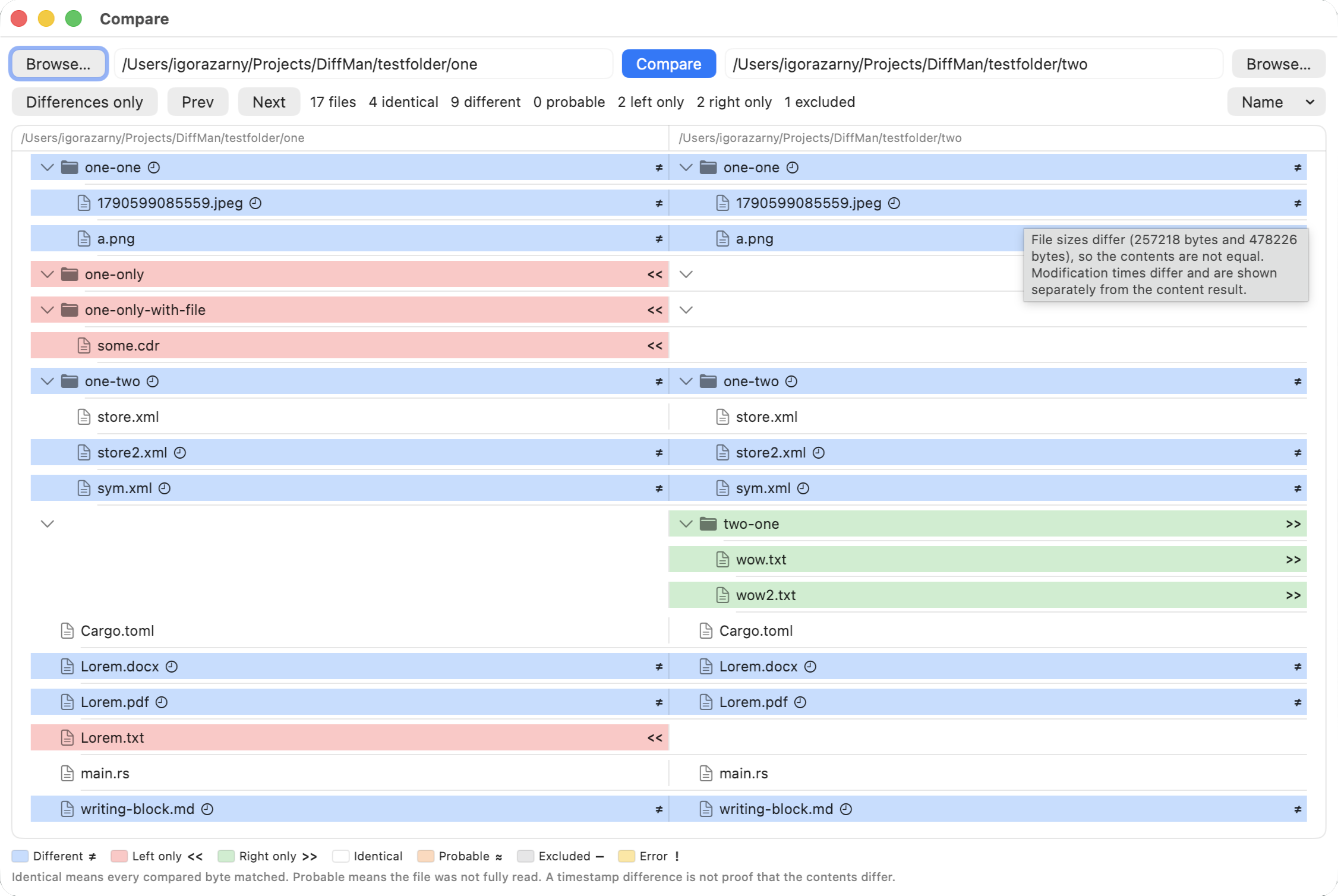
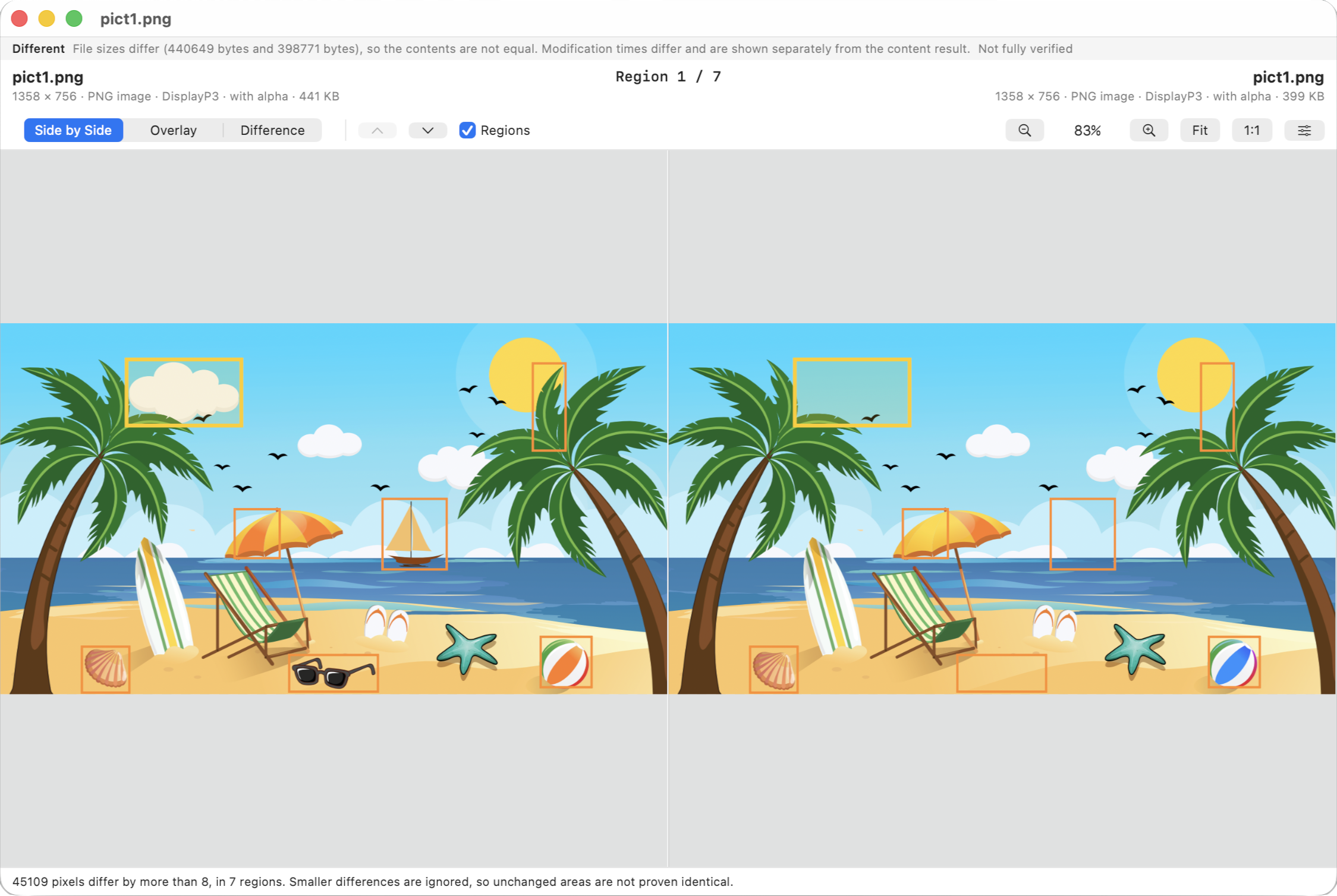
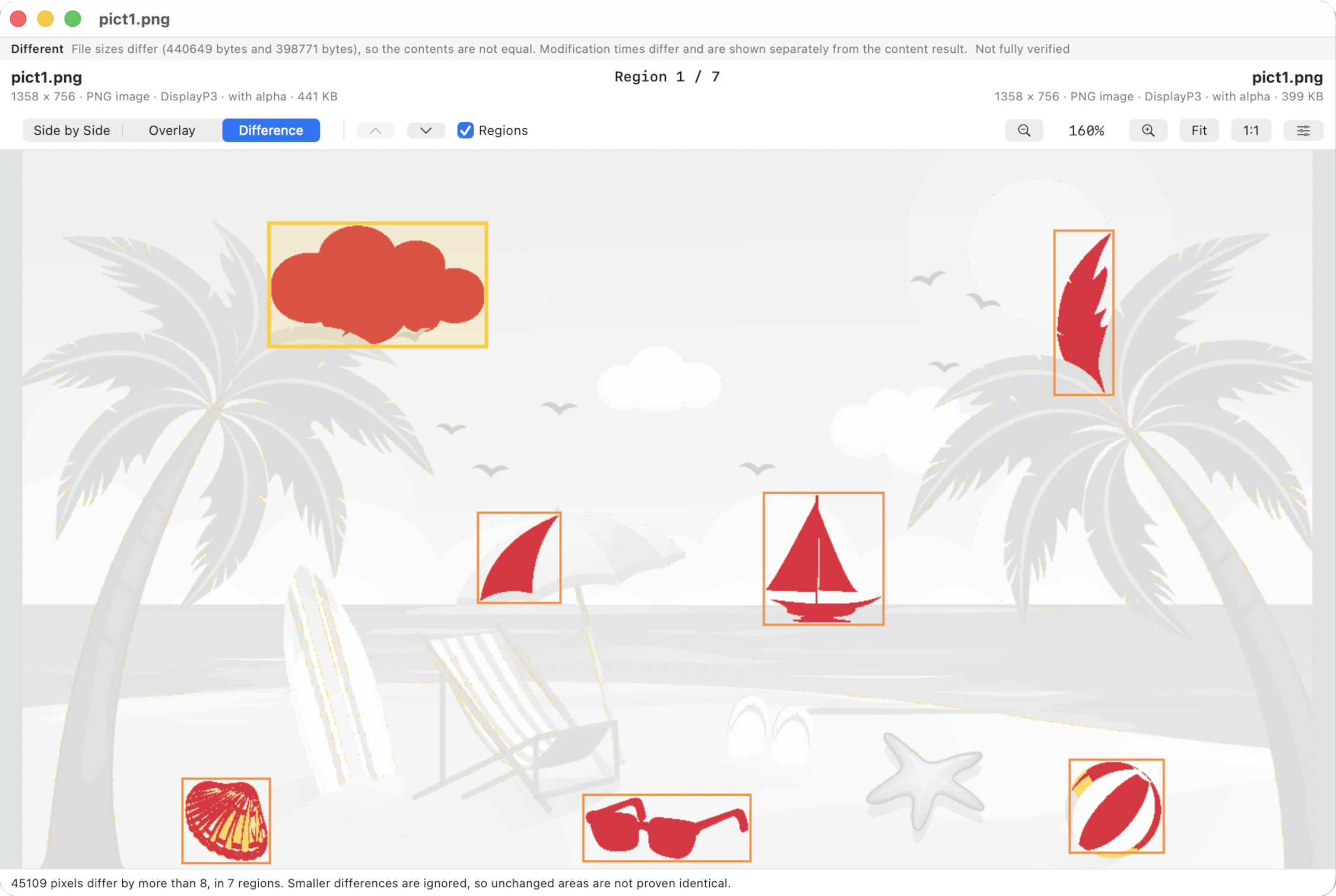
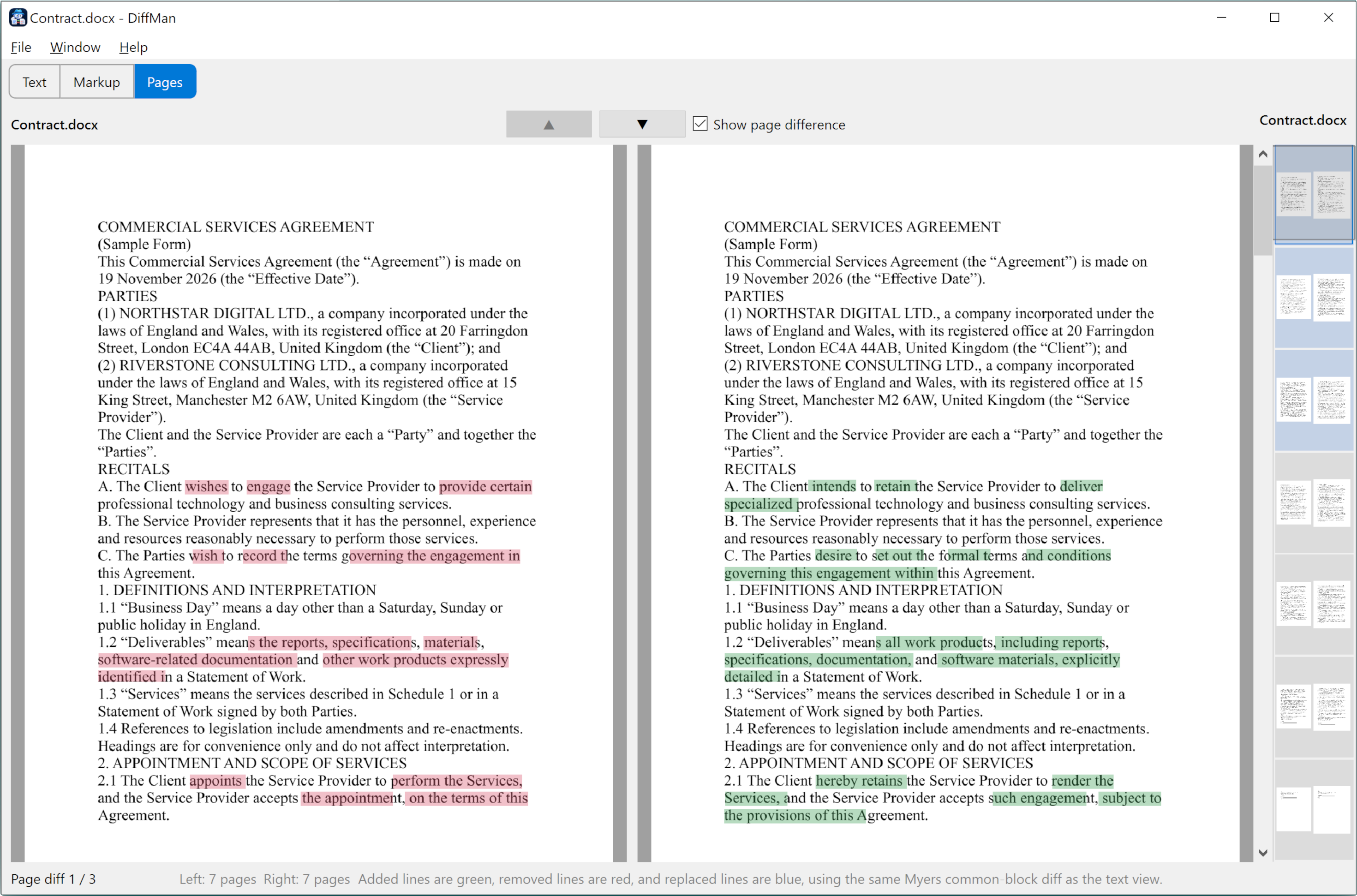
Pick two folders or two files. Browse, drop them on a side, or pass them on the command line. DiffMan reports what is the same, what differs, and what exists on only one side. Double-click a file in a folder result to open the matching viewer.
A tree of every item: identical, different, left only, right only, probable, ignored, errors. Copy a file or folder to the other side only when you confirm it.
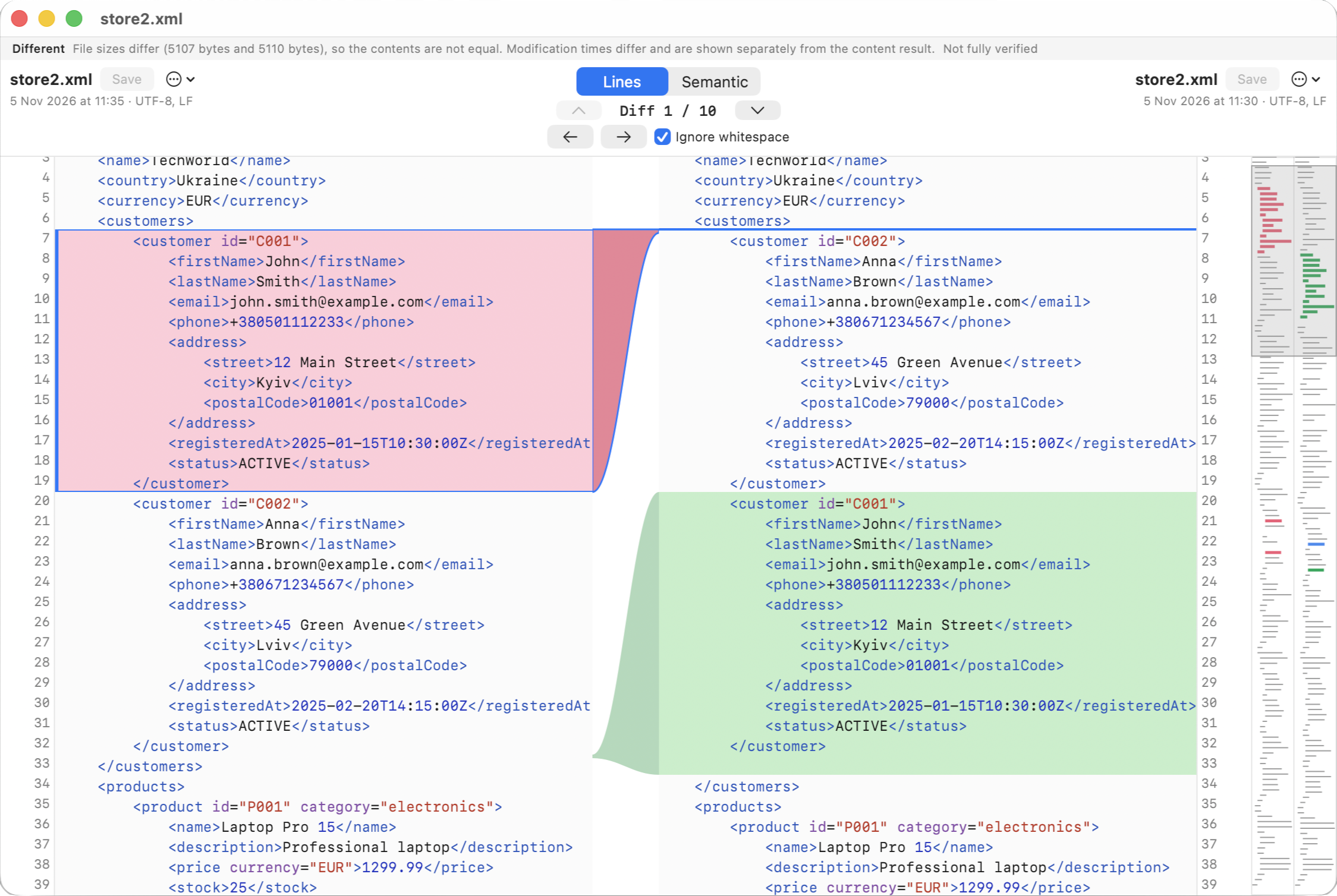
How folder compare worksTwo panes you can edit. Removed lines are red, added lines are green, replaced lines are blue, and changed words inside a line are marked. Save keeps encoding and line endings.
Text comparisonJSON, YAML, TOML, XML, INI and Java properties can be compared by meaning. Keys are sorted, comments dropped, then the canonical text is diffed. If a file does not parse, you get lines and a reason.
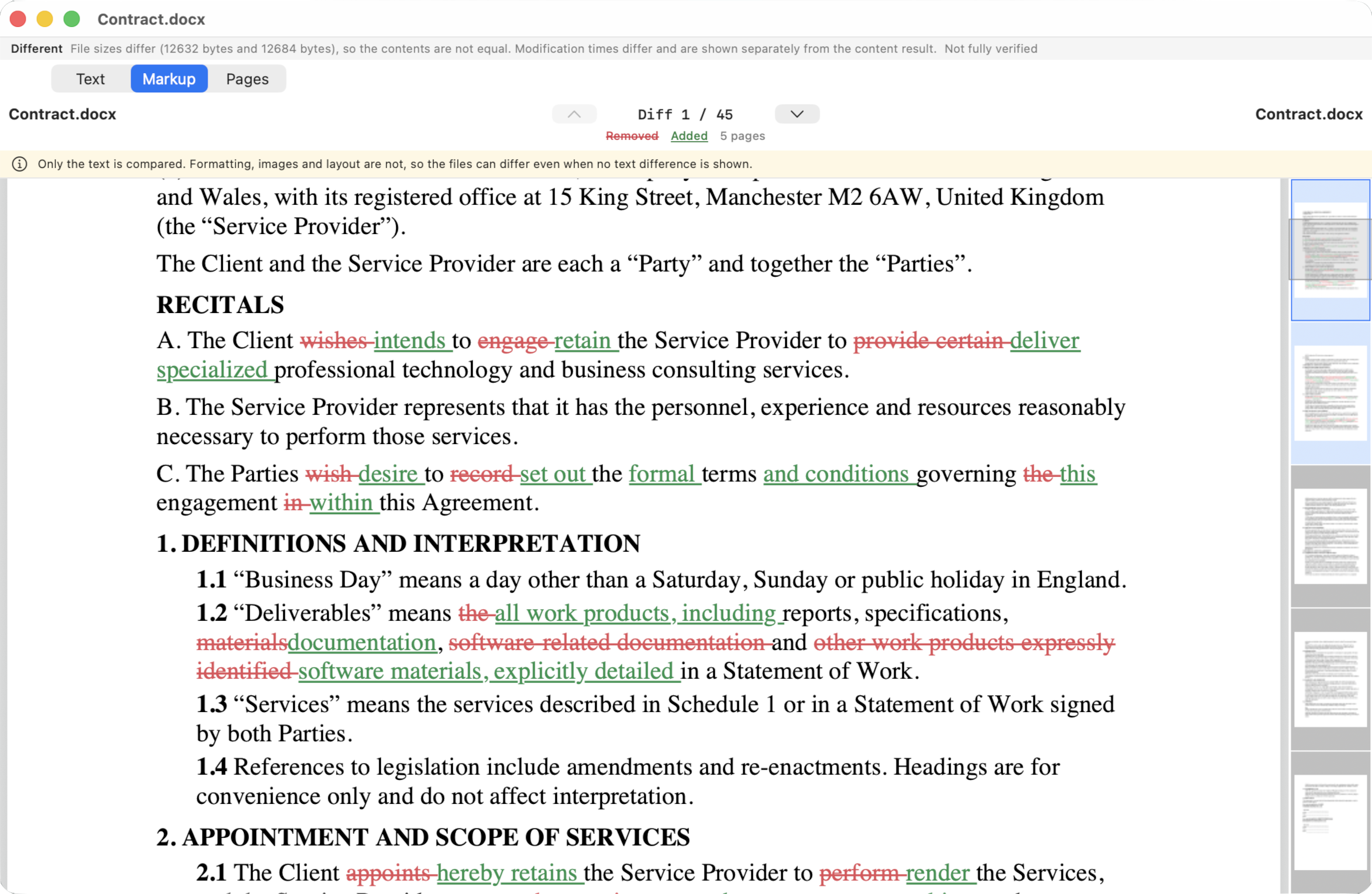
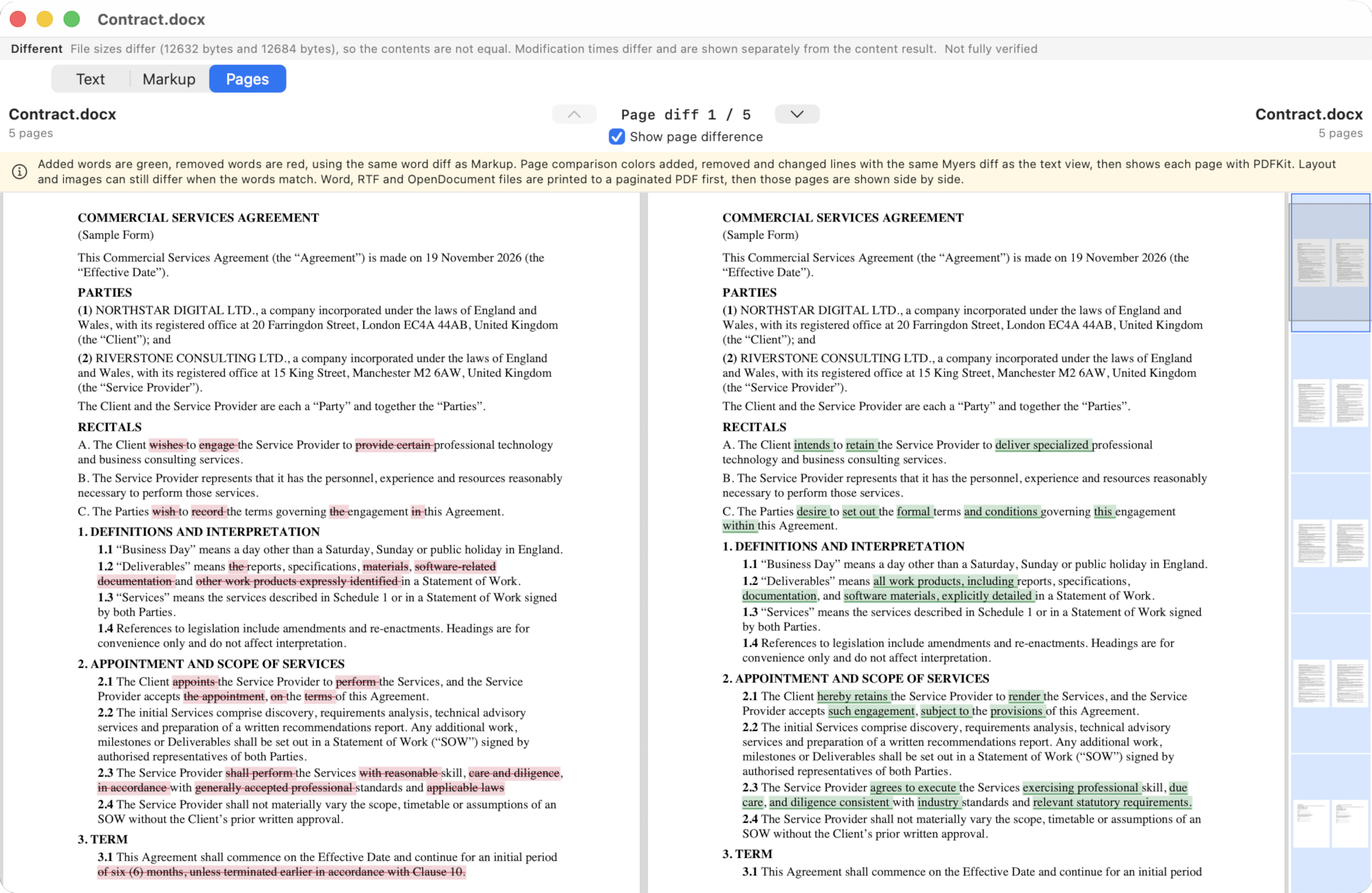
Semantic comparisonRead the text, see a Word-style markup page, or look at both documents page by page. A Word file against a PDF is a valid pair. After three months, markup and pages need a licence.
Document comparisonSide by side, overlay, or a difference image. Exact pixels, or a tolerance that groups nearby changes into regions you can step through.
Image comparisonHow files are sampled, what Identical means, ignore rules, text font and whitespace, image tolerance. Each switch is documented.
Settings in detailThe first three months include every feature. After that, folder comparison, text, semantic compare and images stay available. The Word-style markup view and the side-by-side document pages need a licence: $15 USD per year. Checkout is not live yet; the licence page is the planned offer.
Pass two paths after the app name, for example DiffMan ./left ./right or DiffMan a.txt b.txt. Relative paths use the working directory. The app is sandboxed, so it can read only paths macOS has already allowed; otherwise use Browse or drop the items.
DiffMan ./left ./right
DiffMan contract-v1.docx contract-v2.pdf
No, and no. Comparison runs on your Mac. Folders, Word files, PDFs and images are not sent anywhere. You can compare with Wi-Fi off. If the Mac is online, DiffMan may send four anonymous counters (install, open, first compare, session count) with no paths and no contents. That send is not part of the comparison. If it fails, nothing about your files is affected.
Identical means the bytes that were compared matched. If sampling is on and the samples match, that is still Identical, with a note that the rest of the file was not read. Turn on full byte-for-byte verification to compare every byte. Probable means no content check ran, for example when a timestamp change skips the read.
Yes. Those four formats are recognized by content. Any two can be opened as a document pair: text, markup, or pages.